
Equip Your Senior Loved Ones with Smart Home Safety
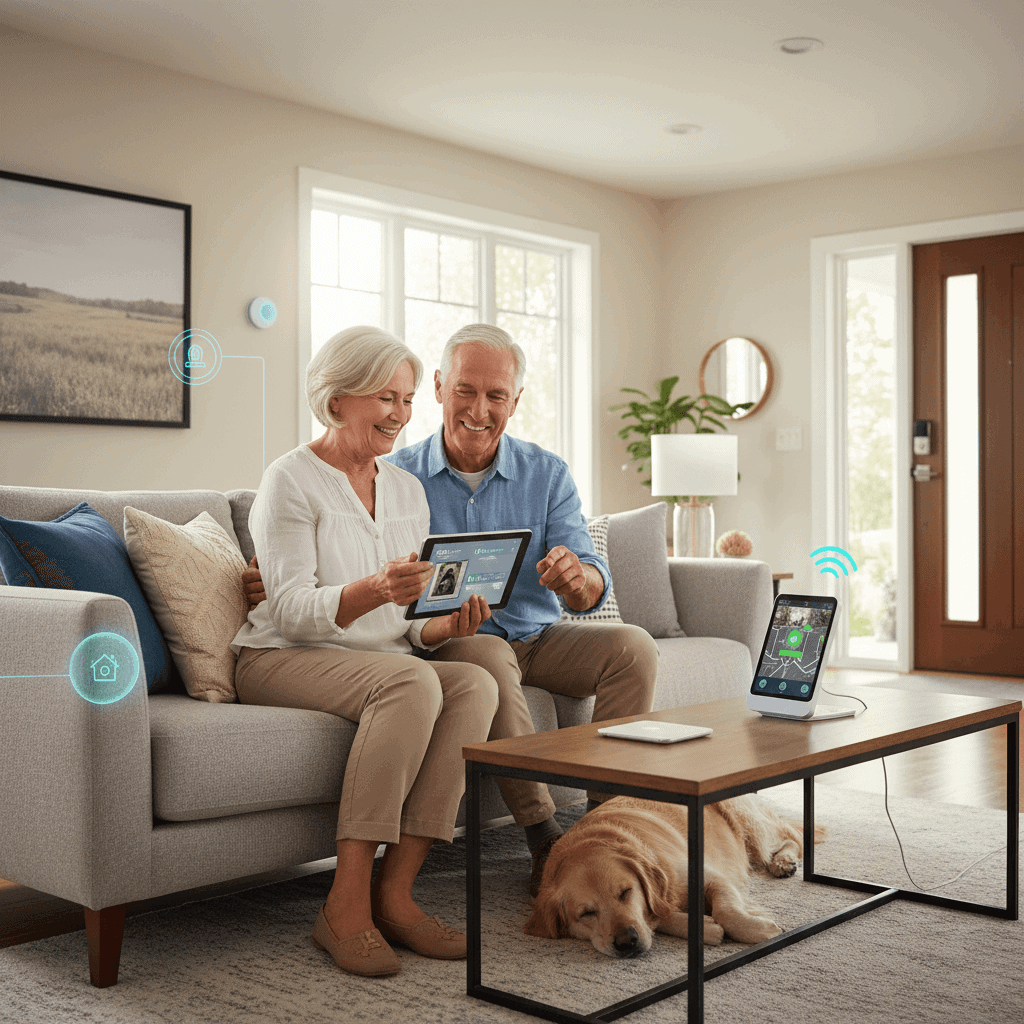
Helping an older family member stay safe at home means balancing comfort with practical protections. Many devices can reduce common risks like falls and missed medications while letting seniors keep their independence. This article walks through realistic steps to equip a residence with connected safety tools and clear tips for choosing technologies that actually get used.
We will cover how to identify high priority risks in a home and what types of devices address those risks without adding confusion. You will find examples that work for a range of budgets and real world pointers on installation, privacy, and upkeep. The goal is to make choices that match abilities and routines so safety becomes part of daily life rather than a burden.
Why connected home safety matters for older adults
Falls are the leading cause of injury among older adults. One in four older adults falls each year and millions receive medical attention for fall related injuries. Small changes in the home and a few well selected devices can reduce the odds of a bad outcome. For example, motion activated lighting can cut night time trips across the room that lead to slips.
Beyond falls there are other frequent hazards. Missed medication doses can cause hospital visits. Wandering or confusion can lead to dangerous situations. Fire and carbon monoxide remain risks for anyone. Connected devices can monitor key signs and send alerts to caregivers or emergency services when needed. When chosen carefully these solutions keep seniors safer while preserving dignity and normal routines.
Assessing needs and risks at home
Begin with a simple home safety checklist and a candid conversation with your loved one. Focus on observable hazards and daily tasks that present the most challenge. Some practical areas to review are mobility, medication management, and environmental safety.
Mobility and fall risk
Look for trip hazards like loose rugs, cluttered walkways, and uneven floor transitions. Check bathroom safety including grab bars and non slip surfaces. Note locations where the person sits or sleeps most often. Devices that detect falls or track movement patterns work best when placed where activity is highest.
Medication and cognition
List medications that must be taken at specific times and whether the person has had trouble remembering doses. Automatic dispensers can provide reminders and limit accidental double dosing. For someone with declining memory a system that alerts a caregiver by phone when a dose is missed can prevent complications before they start.
Core connected devices to consider
There is no single right package for every household. Below are device types that solve common problems and the situations where they shine.
- Fall detection and wearable alert devices These are helpful for people who have a high risk of falling or who live alone. Pocket pendants or wrist units can call for help with the push of a button and some include automatic fall detection.
- Motion sensors and door sensors Use these to monitor movement in a room or to detect unusual activity at an exit. They work well for tracking night wandering or confirming that a person is following expected routines.
- Automated lighting Motion controlled lights reduce the need to fumble for switches at night. Place lights near beds and in bathrooms to lower the chance of trips.
- Medication dispensers Timed dispensers that lock until a scheduled time avoid missed and doubled doses. Choose units that provide vocal or visual reminders and that log doses for caregiver review.
- Smoke and carbon monoxide alarms with alerts Choose alarms that can send messages to a phone in addition to sounding locally. Many models can link to an emergency response center.
- Video doorbells and simple cameras These can help verify a visitor and reduce the risk of scams. Use cameras sparingly and explain their location to respect privacy.
Ease of use and setup tips
Simplicity is critical. Most useful systems are those that require minimal interaction by the older adult. Ask these questions before buying a device
- Can the device be operated with one hand or with large buttons
- Is the display readable without magnification
- Does the system run reliably without frequent updates or complicated menus
When setting up equipment create a step by step cheat sheet with images if possible. Demonstrate features and repeat the demonstration over several days while the person becomes comfortable. If the device connects to a phone app set up emergency contacts and show how notifications will arrive. For people who are not comfortable with phones consider devices that send direct calls to a caregiver or to an emergency monitoring service.
Privacy and data safety considerations
Connected devices collect personal data. Cameras and microphones are particularly sensitive. Choose products from vendors with a clear privacy policy and the option to disable cloud features that are unnecessary. Keep software up to date and use strong unique passwords for any accounts associated with devices.
When sharing access with family members limit permissions to what is needed. For example allow view only access rather than full settings control. If devices connect through a central hub place it on a network that is separated from any work devices. This reduces exposure from a single compromised account.
How to choose the right system and service
There are many products and subscription models in the market. Focus on dependable performance, friendly interfaces, and clear response options. For help with making those choices consult resources that compare features side by side and read reviews from other caregivers. For a good primer on the selection process you can read this guide on choosing senior safety tech which gives a practical checklist for comparing vendors and service tiers.
Here are practical selection criteria to use
- Reliability record Check product reviews that mention uptime and false alarm rates
- Response options Confirm whether alerts go to a monitoring center, a caregiver phone, or both
- Installation flexibility Some units require professional setup while others are plug and play
- Cost model One time purchase with optional subscription often fits families who want to control ongoing fees
- Interoperability Choose devices that can operate together so you avoid multiple apps and logins
Budgeting and maintenance for long term reliability
Make a simple budget that covers initial purchase, batteries or charging, and any monthly monitoring fees. For many households a mix of lower cost sensors and one monitored emergency pendant provides excellent coverage at a reasonable price.
Schedule maintenance tasks on a calendar. Replace batteries annually or when device alerts indicate low power. Test alarms monthly and exercise features by triggering alerts so everyone on the contact list knows how they will be notified. Keep receipts and warranty information together and register products when required to receive firmware updates and safety notices.
Practical examples from real homes
Example one is a retired teacher who lives alone and has arthritis in both hands. She prefers large tactile buttons and a pendant she can wear on a lanyard. Motion triggered night lights were installed along her main pathway and a simple monitored panic button was configured to call her daughter first and then a local response center if there is no answer. This mix respected her comfort with technology while reducing risk.
Example two is a couple where one partner has mild memory loss. They used a locked medication dispenser with an audible reminder that cues both partners. Door sensors were placed on the back door where the person had previously wandered at night. Alerts are set to notify the spouse first during waking hours and a designated family member overnight. The setup cut down on emergency calls and let both partners continue living at home together.
Choosing devices and services takes a few hours of planning but returns ongoing benefits. Prioritize the hazards that present the greatest short term risk and match each device to a specific need. When possible trial products under a short return window and involve the senior in decisions to keep acceptance high.
Conclusion
Equipping a senior loved one with connected home safety tools is a practical way to reduce common risks and preserve independence. Start by assessing the home and the day to day routines. Choose devices that address the highest risk areas and that the person can use without frustration. Balance cost with the likelihood that a device will be actively used and maintained. Remember safety is not one single product but a set of changes and routines. Regular testing, clear alerts, and simple escalation paths for emergencies will make systems dependable. If you are unsure where to begin focus on lighting, fall detection, and medication management. Those three areas tend to prevent the most frequent incidents. Finally include the senior in the selection process and educate family members on response procedures. That shared plan reduces confusion when an alert occurs and keeps everyone aligned on expectations. Take one small step this week by making a short list of priority risks and checking a couple of product reviews. Then schedule a trial or purchase with a return option so you can confirm the setup works in practice. A modest investment in well chosen devices and some routine maintenance can keep your loved one safer at home and make caregiving more manageable.